Sections
Epitome allows you to hide/rename/reorder the sections in your resume.
Reordering the Personal section is not possible. (why would you even do that?)
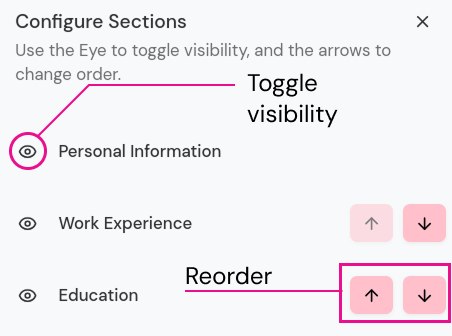
Hiding and Reordering Sections
Menu > Customization > Configure Section.
Click the eye icon to toggle visibility which is on the left side of a section title.
To change the order of a section, click the up/down arrow in the right side.
Renaming Section
Click the pencil icon next to the title of the section. Edit and then press enter/click the tick to save.